
Why Your Map Videos Look Ordinary While Big Channels Stun Viewers — It's the Tool, Not the Idea
The professional map videos you see on YouTube rely on one powerful plugin, not complex software
Short answer
The problem: a strong idea, but slow manual execution
Many creators try to make map videos using slow manual methods — drawing paths with a mouse, trying to simulate realistic camera movement without helper tools. The result is often an imprecise video that takes far too long.
Why big channels' videos are so precise
Big channels you've seen use specialized plugins that connect the editing software directly to the real world — accurate geographic data, calculated paths, and realistic camera movement over cities.
The solution: the GEOlayers³ plugin inside Adobe After Effects
The fix is learning to use the GEOlayers³ plugin, which connects you directly to real map data inside After Effects, letting you create realistic camera movement, precise path drawing, and professional graphic elements without drawing everything manually.
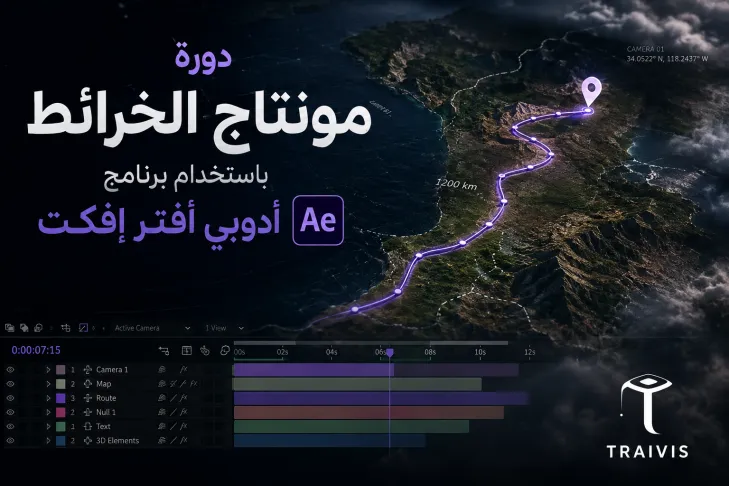
The Map Editing with After Effects course on Traivis takes you from installing and activating the plugin, to map animation, to adding labels and 3D models, to executing full projects like invasion videos and a Yugoslavia project. The course runs 3 hours 58 minutes and requires basic After Effects knowledge.
Who is the instructor?
The course is taught by Abdelrahman Mohamed Sayed, a content creator and Motion Designer passionate about video and animation, specializing in editing and motion graphics using Adobe After Effects, Premiere Pro, and CapCut. His style is practical and simplified, explaining step by step so anyone can confidently enter video production.
To keep building your video skills, Abdelrahman Sayed also teaches Professional Editing with CapCut and Generating Videos and Images with AI on Traivis.
Takeaway
The difference between an ordinary and professional map video is the right tool, not just artistic talent.
Links
Enroll on Traivis: https://traivis.com/ar/courses/montag-alkhrayt-bastkhdam-brnamg-adoby-aftr-afkt
Instructor profile: https://traivis.com/ar/profile/abdelrahman-sayed
Related course 1: https://traivis.com/ar/courses/almontag-alahtrafy-bastkhdam-brnamg-kab-kt
Related course 2: https://traivis.com/ar/courses/tolyd-alfydyohat-oalsor-balthkaaa-alastnaaay