
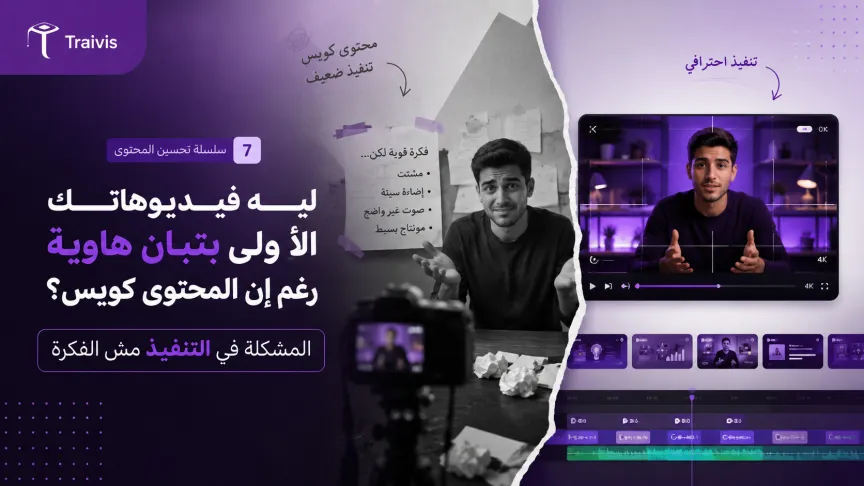
Why Your First Videos Look Amateur Despite Good Content — The Problem Is Missing Editing Basics
Many new creators focus on content and forget that editing is what makes a video watchable
Short answer
The problem: strong content, amateur editing
A new creator often starts with a strong idea and useful content, but the final video looks amateur — disorganized cuts, no professional intro or outro, and an unattractive thumbnail. The result is viewers not finishing the video despite good content.
Why thumbnails specifically matter so much
On platforms like YouTube and Instagram, the thumbnail is the first thing that makes a viewer decide to click the video at all. A weak thumbnail means a video no one might see, even if the content is excellent.
The solution: simple tools that give professional results
The fix isn't learning complex software — it's mastering simple, powerful tools like Camtasia for editing and Canva for designing thumbnails — entirely enough for a beginner creator to make a professional video.
The Video Editing for Content Creators course on Traivis takes you from filming a short clip with Camtasia, to combining camera footage with screen recording, to professional transitions, to green screen and sound effects, to designing a professional YouTube thumbnail using Canva. The course runs 1 hour 45 minutes with no prior requirements.
Who is the instructor?
The course is taught by Nibras Alissa, who holds a master's in Computer Information Systems and previously lectured at university, with 100% professional-level proficiency in Canva and Camtasia editing alongside her extensive programming background.
To go deeper into professional editing, you can continue with Professional Editing with CapCut or Generating Videos and Images with AI on Traivis.
Takeaway
Simple, correct editing turns good content into a video people actually finish watching.
Links
Enroll on Traivis: https://traivis.com/ar/courses/taalm-montag-alfydyohat-lsnaaa-almhto-video-editing
Instructor profile: https://traivis.com/ar/profile/nibras-alissa
Related course 1: https://traivis.com/ar/courses/almontag-alahtrafy-bastkhdam-brnamg-kab-kt
Related course 2: https://traivis.com/ar/courses/tolyd-alfydyohat-oalsor-balthkaaa-alastnaaay